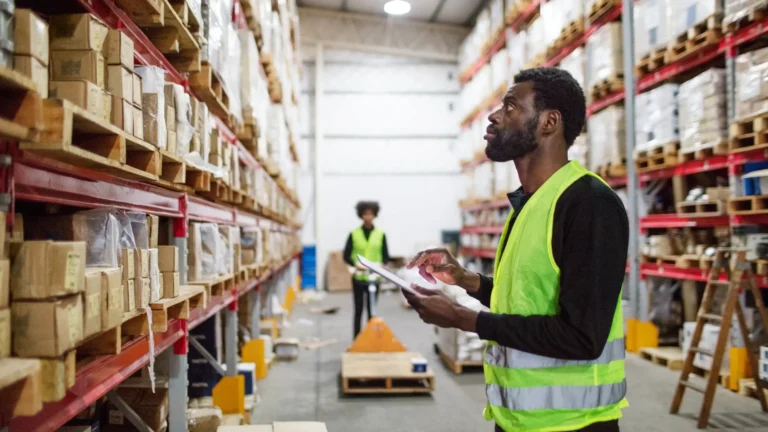
Warehouse automation is no longer limited to large, fixed conveyor systems. In 2026, operations teams can combine warehouse management software, autonomous mobile robots, automated storage, computer vision and AI-driven orchestration to improve throughput without automating every process at once.
This guide explains the major warehouse automation technologies, where each one fits, which KPIs to track and how to build a realistic business case. The focus is operational value: safer work, reliable service, better inventory control and scalable capacity.
What Is Warehouse Automation?
Warehouse automation is the use of software, equipment and robotics to execute or support activities such as receiving, putaway, storage, replenishment, picking, packing, sorting and shipping. Automation can be physical, digital or a combination of both.
- Digital automation improves decisions and information flow through WMS, WES, scanning, voice, analytics and AI.
- Physical automation moves, stores, picks, sorts or packs goods through conveyors, robots, AS/RS and related equipment.
- Process automation standardizes triggers, approvals and exception handling across people and systems.
The objective is not “maximum automation.” It is the right automation for the product profile, order pattern, building, labor model and service promise.
Why Warehouse Automation Is Growing in 2026
Customer expectations for fast and accurate fulfillment continue to rise, while warehouses must manage volatile volume, broad assortments, labor constraints and tighter delivery windows. At the same time, modular robots and integration platforms make it possible to introduce automation in stages rather than redesign an entire facility.
Current deployments also show a shift from single machines toward connected fleets. Amazon reports operating more than one million robots across its network, while DHL has described thousands of collaborative robots and technology-neutral integration approaches. These examples demonstrate scale, but they should not be treated as a template for every warehouse. Smaller sites need a business case based on their own volume and constraints.
Major Types of Warehouse Automation
1. Warehouse Management Systems
A warehouse management system (WMS) manages inventory locations, tasks, replenishment, picking rules and transaction accuracy. It is often the foundation for physical automation because robots and machines require reliable item, location and order data.
2. Autonomous Mobile Robots
Autonomous mobile robots (AMRs) use sensors, maps and software to navigate around people and obstacles. Common applications include moving totes, supporting zone picking and transferring goods between work areas. Their routes can change as the layout or workload changes.
3. Automated Guided Vehicles
Automated guided vehicles (AGVs) typically follow defined routes using markers, wires or mapped paths. They are well suited to stable, repeatable material movements but are generally less flexible than AMRs when routes and processes change frequently.
4. Automated Storage and Retrieval Systems
Automated storage and retrieval systems (AS/RS) store and retrieve loads using cranes, shuttles, lifts or grid-based systems. They can improve storage density and goods-to-person picking, but require careful analysis of product dimensions, throughput, replenishment and downtime recovery.
5. Conveyors and Sortation
Conveyors provide predictable movement between fixed points. Sorters direct cartons, parcels or items to destinations based on scans and system instructions. They perform well at stable high volumes, although layout changes can be more expensive than with mobile solutions.
6. Robotic Arms and Cobots
Robotic arms can palletize, depalletize, sort, pick or pack. Collaborative robots are designed for controlled interaction near people, but “collaborative” does not remove the need for a formal risk assessment, guarding decisions, training and safe operating procedures.
7. Pick-to-Light, Put-to-Light and Voice Picking
These operator-assistance technologies guide associates to the correct location and quantity. They can improve speed and accuracy without the capital intensity of fully automated picking, making them useful for many brownfield operations.
8. Computer Vision and AI
Computer vision can support barcode recognition, dimensioning, damage identification, safety monitoring and inventory verification. AI models can forecast workload, improve slotting, predict congestion and coordinate robot fleets. Learn more in our updated guide to AI in supply chain management.
AMR vs. AGV vs. Conveyor
| Factor | AMR | AGV | Conveyor |
|---|---|---|---|
| Route | Dynamic navigation | Defined path | Fixed path |
| Layout flexibility | High | Medium | Low |
| Best fit | Variable workflows | Repeatable transport | Stable, high-volume flow |
| Scaling | Add units and rebalance | Add vehicles and paths | Extend physical system |
| Main risk | Fleet congestion | Route blockage | Single-point bottlenecks |
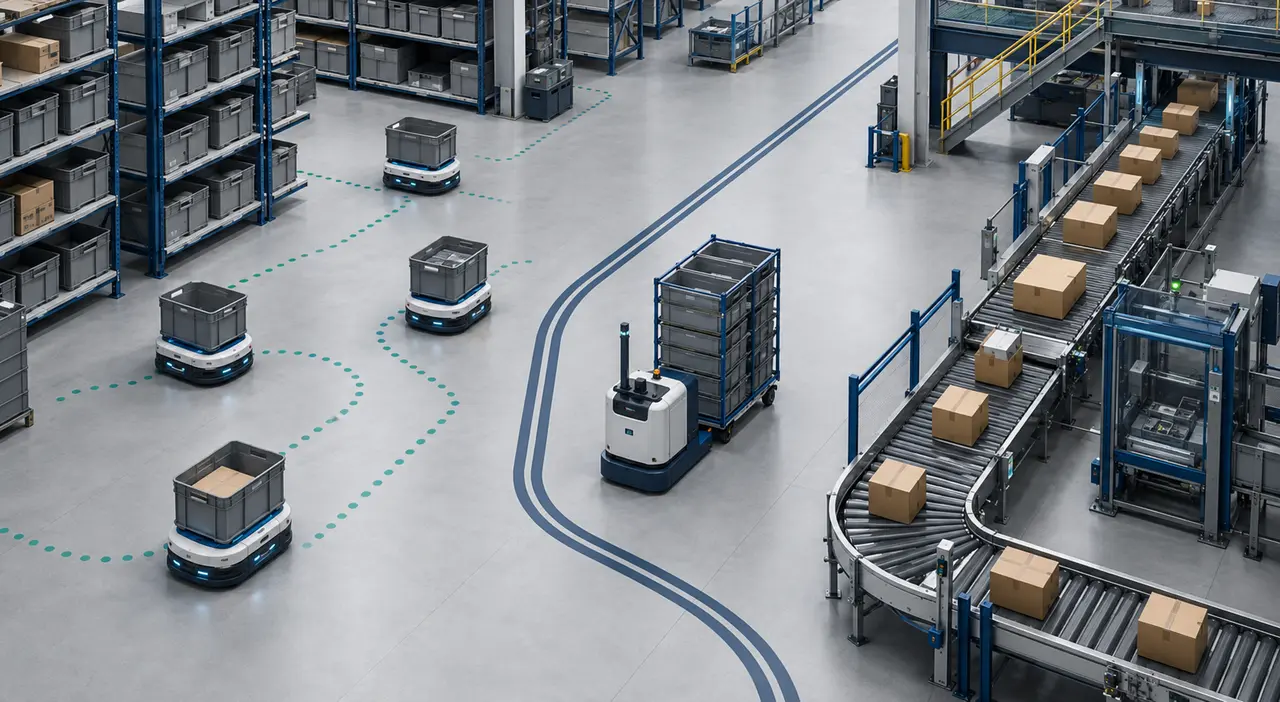
No option is universally superior. A facility may use conveyors for a stable outbound flow, AMRs for flexible movement and robotic arms for repetitive pallet handling.
Where Automation Creates the Most Value
- Receiving: dimensioning, scanning, unload assistance and automated identification.
- Putaway: task sequencing, mobile transport and location recommendations.
- Storage: high-density AS/RS and automated replenishment.
- Picking: goods-to-person systems, AMRs, voice, light-directed picking and robotic picking.
- Packing: carton selection, print-and-apply, weighing and quality verification.
- Sortation and shipping: destination sorting, staging and trailer-loading support.
- Inventory control: scan automation, exception detection and cycle-count support. See our guide to inventory optimization in supply chain.
How to Calculate Warehouse Automation ROI
A credible business case compares the expected annual benefit with the full cost of ownership. Avoid using labor savings alone.
Simple annual ROI = (Annual quantified benefits − Annual recurring automation costs) ÷ Initial investment × 100
Use the formula only as a screening measure. For capital decisions, also calculate payback period = initial investment ÷ annual net benefit and, for multi-year projects, evaluate discounted cash flows such as NPV or IRR. This prevents a project with heavy maintenance, software subscriptions or delayed benefits from looking better than it really is.
Potential benefits include avoided overtime, lower error and damage costs, higher throughput, reduced travel, improved space utilization and capacity that postpones a building expansion. Costs should include equipment, software, integration, site preparation, training, support, maintenance, spares, cybersecurity and process redesign.
Also calculate payback period and test multiple scenarios. A base case, conservative case and peak-volume case are more useful than a single optimistic forecast.
Warehouse Automation KPIs
| Objective | KPIs to monitor |
|---|---|
| Throughput | Lines or units per hour, orders per hour, dock-to-stock time |
| Quality | Pick accuracy, damage rate, mis-shipments, inventory accuracy |
| Service | Order cycle time, on-time shipment, backlog, cutoff attainment |
| Cost | Cost per order, labor hours per unit, maintenance cost |
| Asset performance | Availability, utilization, downtime, mean time to repair |
| Safety | Incidents, near misses, ergonomic exposure and corrective-action closure |
Measure the baseline before implementation and track the same definitions after go-live. A faster workstation that shifts congestion downstream has not improved the end-to-end process.
A Practical Implementation Roadmap
Step 1: Profile the Operation
Analyze order lines, units per line, SKU velocity, dimensions, seasonality, travel time, labor hours, service requirements and exception rates. Separate averages from peak conditions.
Step 2: Fix Process and Data Problems
Standardize locations, item masters, scan discipline and operating procedures. Automation can amplify inaccurate master data or inconsistent work methods.
Step 3: Choose a Bounded Use Case
Select a repeatable bottleneck with measurable outcomes—for example, reducing picker travel in a defined zone or automating pallet movement between two stable points.
Step 4: Design the Integration
Define how the WMS, warehouse execution system, robot fleet manager and equipment controls exchange tasks, confirmations and exceptions. Include fallback procedures for network or equipment failure.
Step 5: Pilot Under Real Conditions
Test normal volume, peak volume, unusual items, blocked paths, replenishment pressure and manual recovery. Train supervisors and associates before scaling.
Step 6: Stabilize Before Expanding
Track downtime, exceptions, utilization and end-to-end service. Expand only after the process is stable and the measured results support the original business case.
Safety and Workforce Considerations
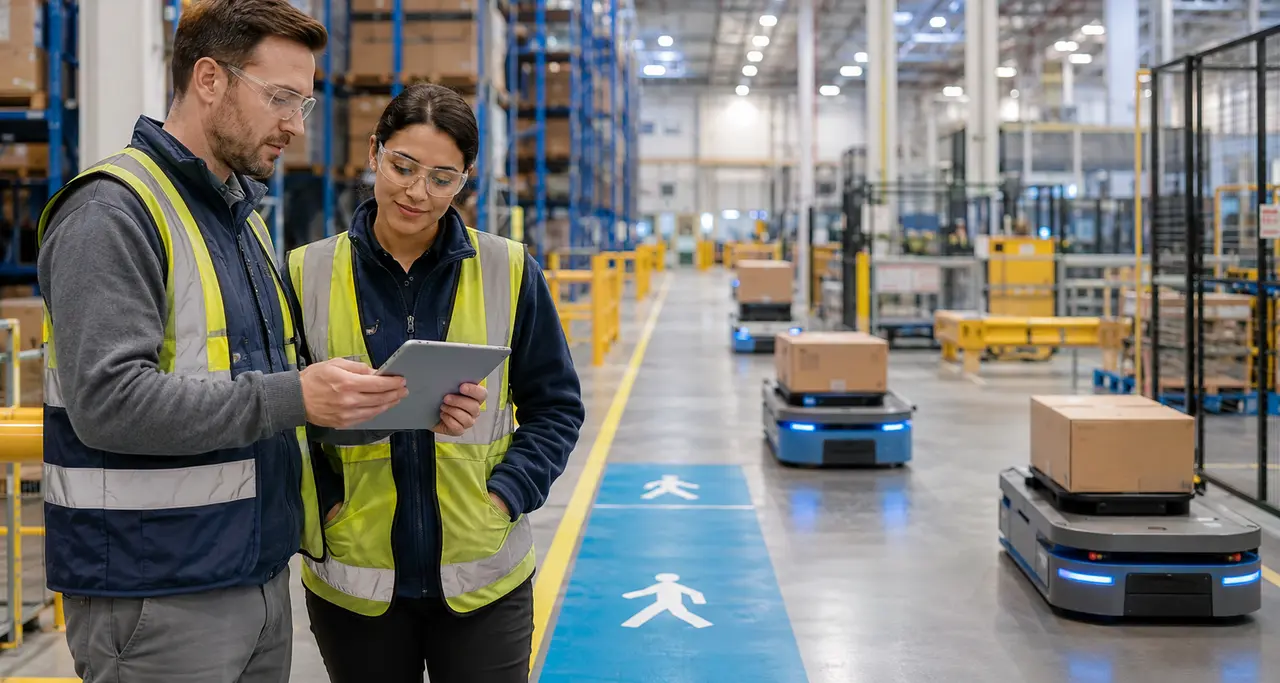
Automation can remove lifting, repetitive travel and other undesirable tasks, but it can also introduce struck-by, caught-between, electrical and unexpected-startup hazards. OSHA guidance for warehousing and robotics emphasizes controlling hazards created by automated equipment, including struck-by, caught-between and unexpected-startup risks. Risk assessment, machine guarding, lockout/tagout, traffic separation, signage, training and incident review should be part of the design—not added after installation.
Workforce planning is equally important. New systems create requirements for equipment operators, technicians, controls support, data analysis and continuous improvement. Involving frontline employees during design often reveals exceptions that process maps miss.
Common Warehouse Automation Mistakes
- Automating an unstable or poorly understood process.
- Designing around average volume instead of peak and variability.
- Ignoring replenishment, packing or shipping bottlenecks.
- Underestimating integration, support and change-management costs.
- Using vendor throughput claims without testing the facility’s SKU and order profile.
- Failing to design manual fallback and downtime recovery.
- Measuring machine speed instead of customer service and total cost.
Frequently Asked Questions
What is the best warehouse process to automate first?
Start with a stable, repetitive bottleneck that consumes significant travel or manual effort and has clean data. The right first process varies by facility; picking travel, repeatable transport and scanning are common candidates.
Are AMRs better than conveyors?
AMRs offer more layout flexibility, while conveyors can be highly effective for stable, high-volume flows. Product mix, travel paths, throughput, space and expected change should determine the choice.
Does warehouse automation eliminate jobs?
Automation changes task content and staffing requirements. It can reduce repetitive movement or handling while increasing demand for maintenance, controls, supervision and analytical skills. Workforce effects depend on the technology, growth and implementation plan.
What is the difference between WMS, WES and WCS?
A WMS manages inventory and warehouse tasks. A warehouse execution system (WES) coordinates work and flow across people and automated resources. A warehouse control system (WCS) controls equipment such as conveyors, sorters and automated storage. Boundaries vary by vendor, so integration responsibilities should be defined explicitly.
Conclusion
Warehouse automation in 2026 is increasingly modular, software-connected and AI-assisted. AMRs, AS/RS, conveyors, robotic arms and operator-assistance tools can all create value, but only when matched to the warehouse’s actual flow and constraints.
The strongest automation programs begin with process data, select a bounded use case, build a full-cost ROI model and scale only after measured operational results. Technology should improve safety, service and total system performance—not simply make one activity move faster.
Authoritative references: OSHA Warehousing Hazards and Solutions; OSHA Robotics Overview; Amazon Robotics in Fulfillment Centers; and DHL Warehouse Robotics and Automation.